There are three ways to track meals in the PACE mobile app.
Here is how to use the in-app barcode scanner and your phone/tablet camera to automatically upload and track your items for every meal:
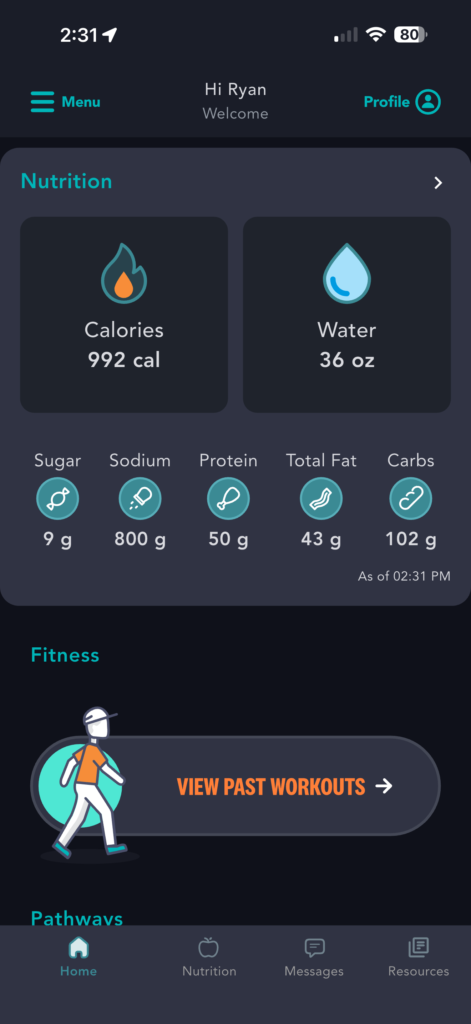
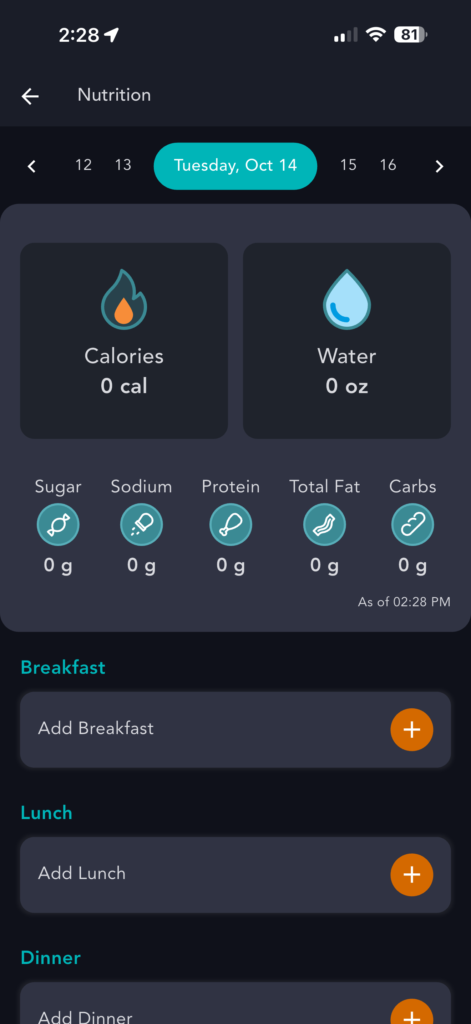
1) From the Homepage, click the “Nutrition” icon in the bottom navigation menu
2) Tap “Add” under breakfast, lunch, dinner or snack
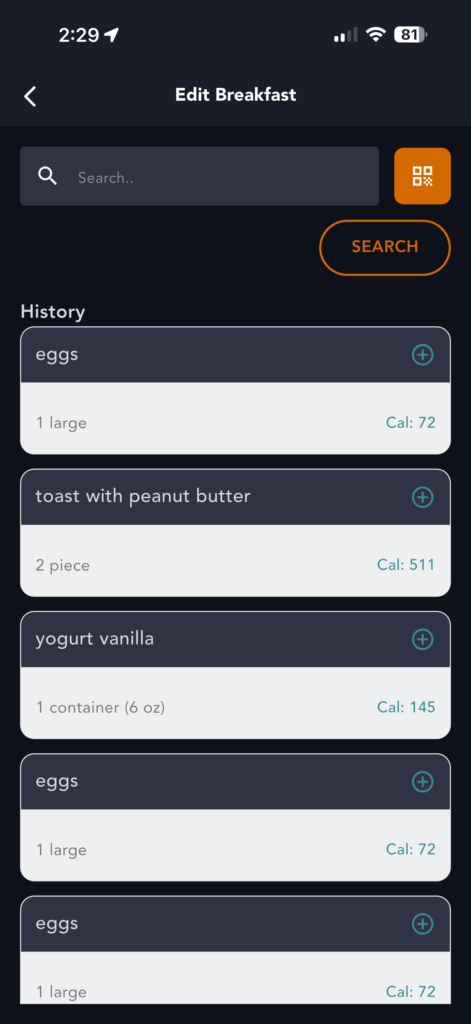
3) Next, you’ll be presented with the options to enter a search, scan a barcode or enter a description.
4) Tap “Scan a Barcode”
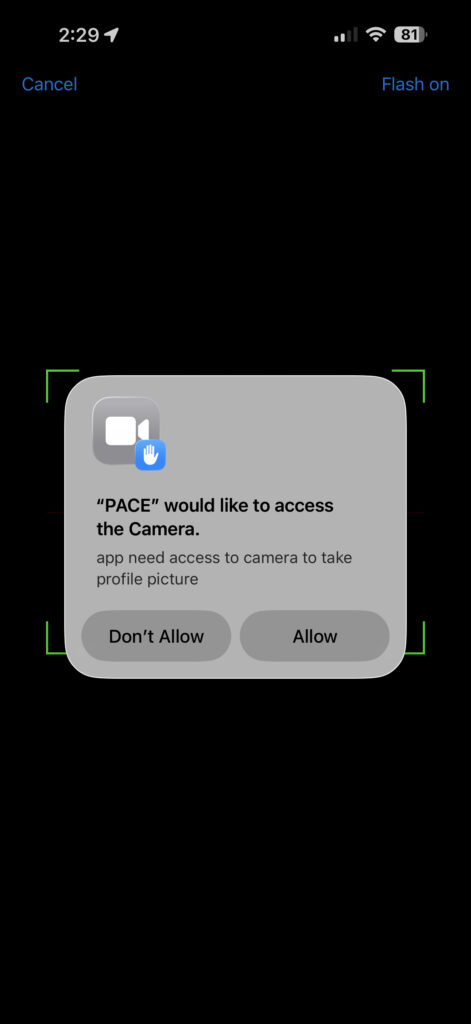
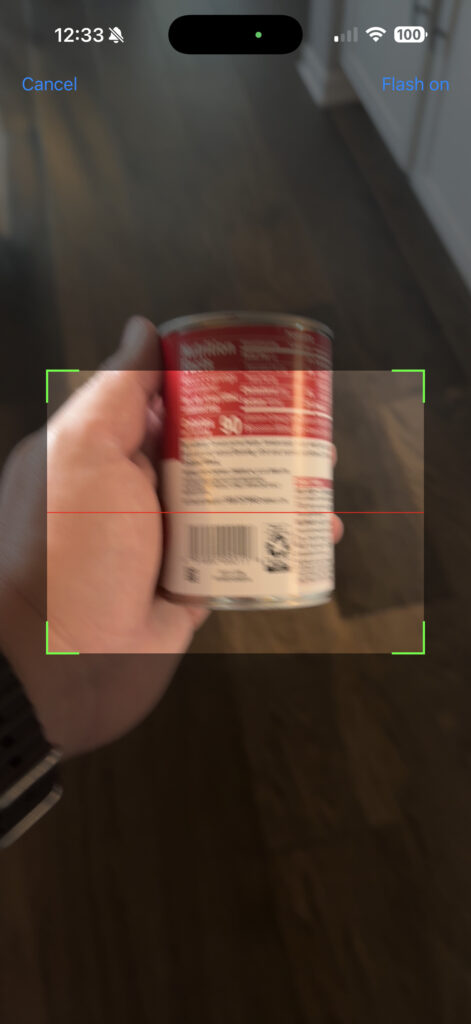
5) Scan the Barcode on the food’s packaging
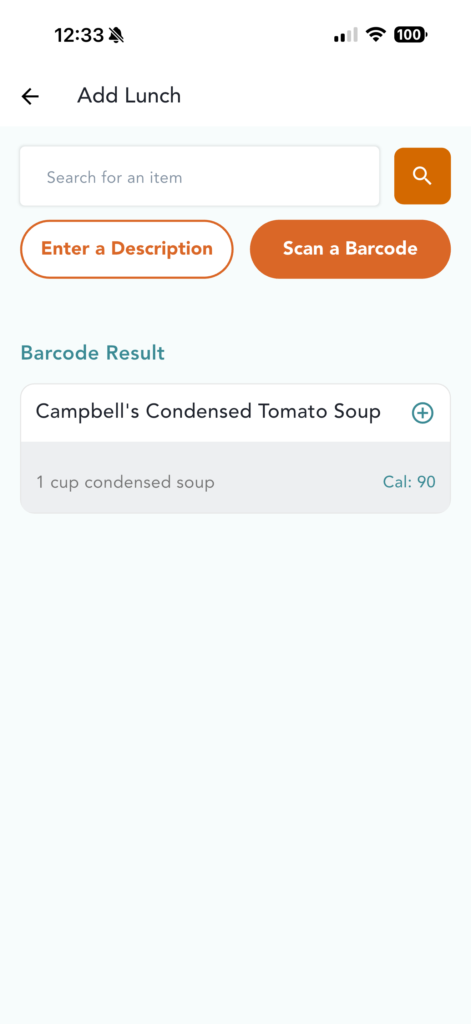
6) Tap the plus (+) next to the result
7) You will be taken back to the History page. Here, you can add more items or head back to the main Nutrition tab by tapping “Back” or on the Nutrition tab.
8) From the main Nutrition Tracker page you can edit serving sizes and quantity
Published on October 26, 2025