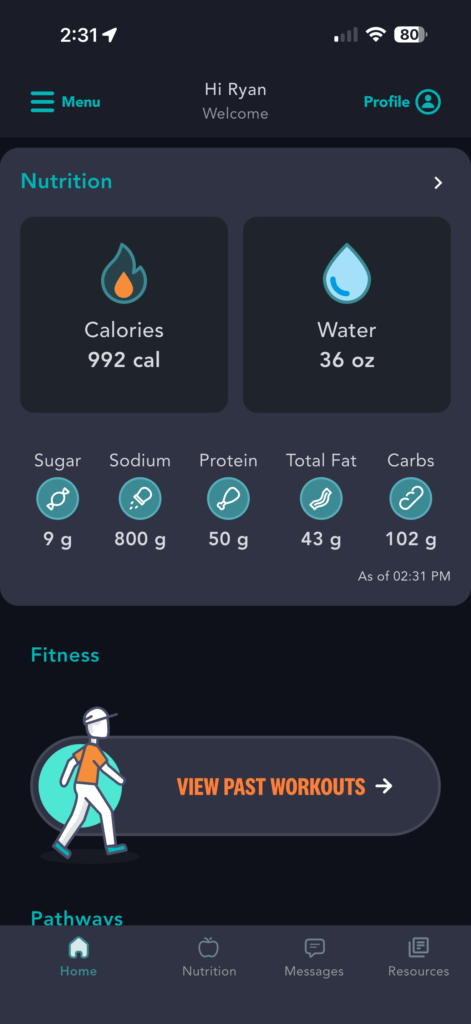
There are three ways to track meals in the PACE mobile app.
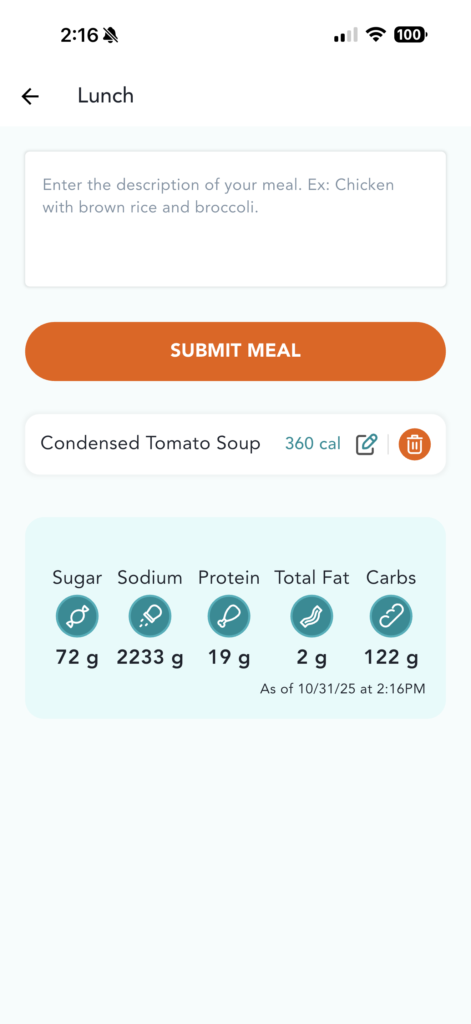
Here’s how to add meals by typing up detailed descriptions of your items in the Nutrition Tracker:
1) From the Homepage, tap on “Nutrition” tab in the bottom navigation menu
2) Tap “Add” under breakfast, lunch, dinner or snack
3) Next, you’ll be presented with the option to enter a search, scan a barcode or enter a description.
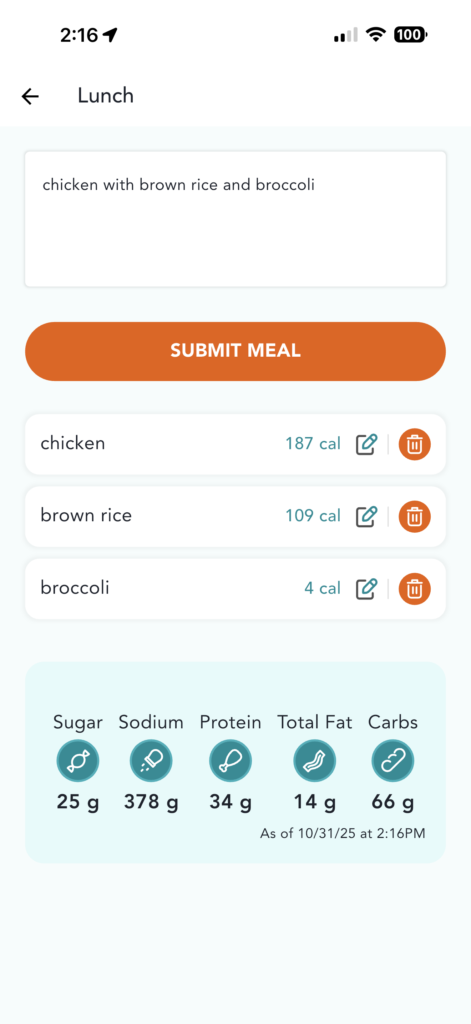
4) Tap “Enter a Description”
5) Enter a brief description of your meal
6) Confirm the results
7) Scroll to the bottom and tap “Submit”
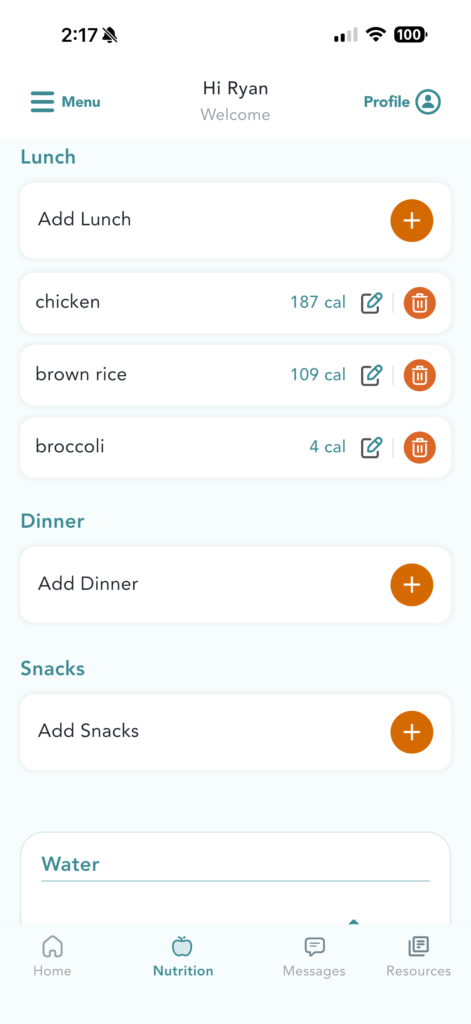
8) You will be taken back to the main Nutrition tab
9) To edit serving size or quantity, navigate back to the main Nutrition Tracker page and click the “Edit” icon
Published on October 25, 2025