When you’re ready, your health coach can assign workouts specifically designed for your unique situation.
Here is how you access and complete workouts:
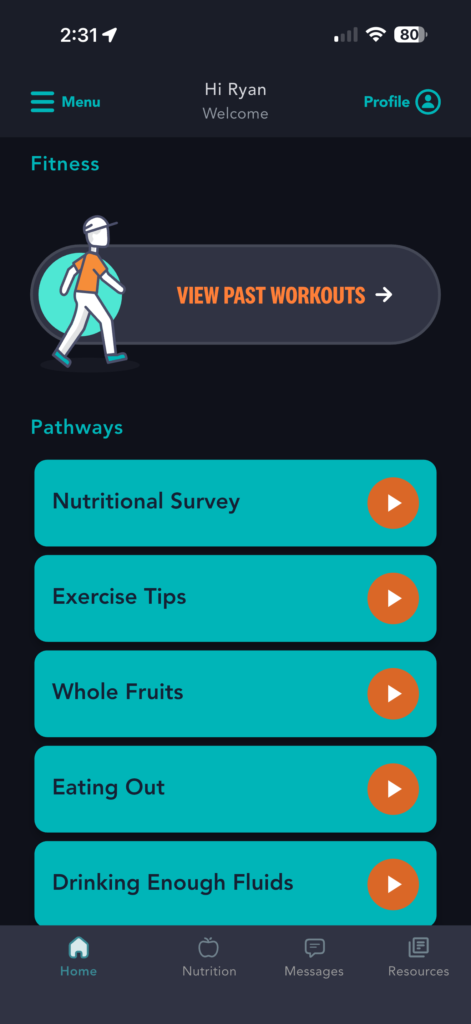
1) From the homepage, scroll down to “Fitness” section and click “View Workouts”
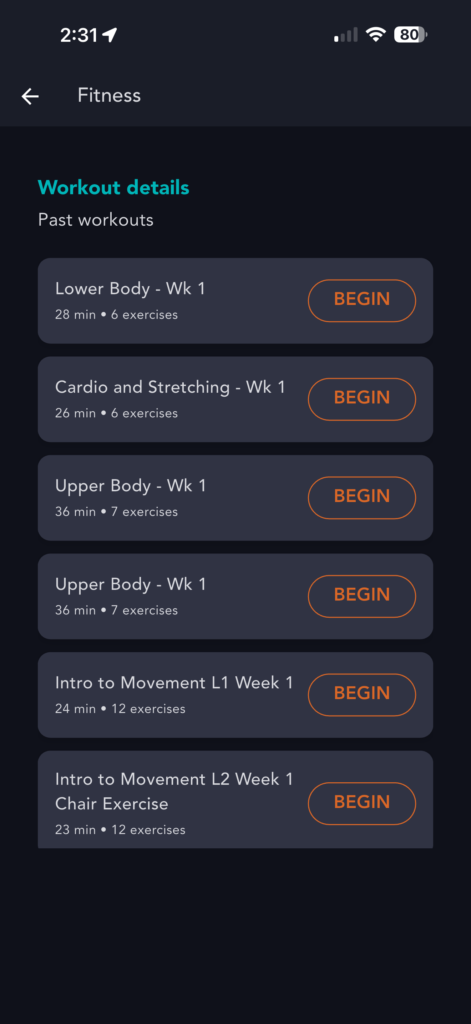
2) Select the workout you’d like to complete today by clicking “Begin”
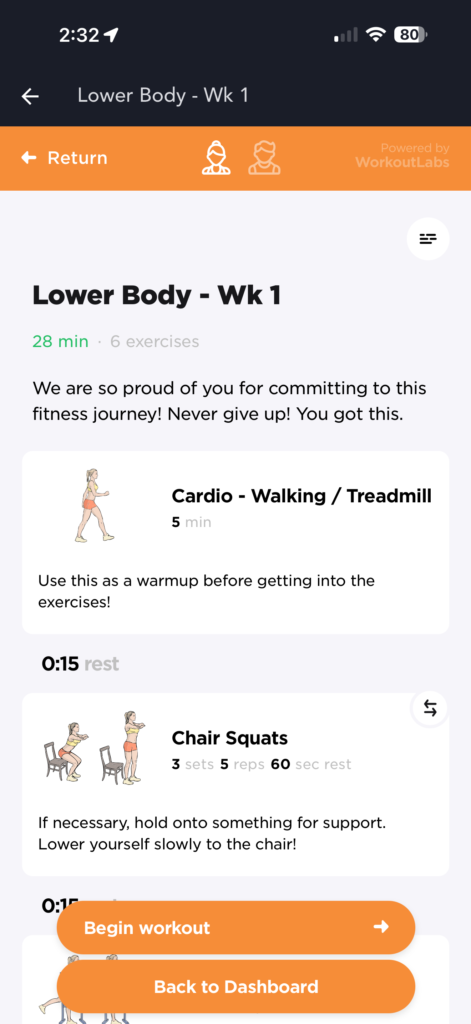
3) View the overview, select a “Male” or “Female” instructor at the top, then click “Begin Workout”
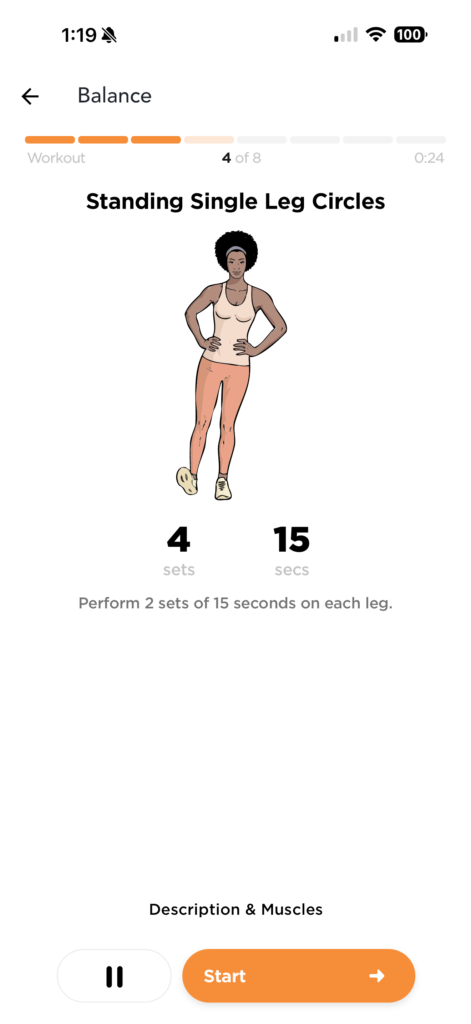
4) Select whether you’d like to “Auto-advance” during exercises or manually control each step then select “Start Workout”
5) Follow the onscreen instruction step-by-step
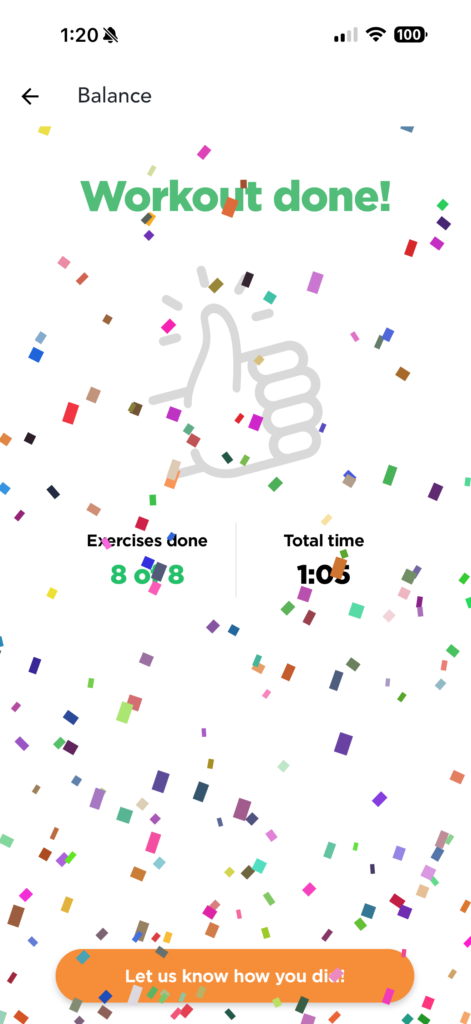
6) After completing the exercise, let us know how you did and tap “Submit”
Published on September 21, 2025